<>
[background-color="transparent"] {
background-color: transparent;
}
[color="transparent"] {
color: var(--colors--transparent);
}
[rotate="45"] {
rotate: 45deg !important;
}
[rotate="-45"] {
rotate: -45deg !important;
}
[rotate="90"] {
rotate: 90deg !important;
}
[rotate="-90"] {
rotate: -90deg !important;
}
[rotate="180"] {
rotate: 180deg !important;
}
[rotate="-180"] {
rotate: -180deg !important;
}
[rotate="-135"] {
rotate: -135deg !important;
}
[rotate="135"] {
rotate: 135deg !important;
}
[padding="0"] {
padding: 0 !important;
}
[display="none"] {
display: none;
}
<>
@media screen and (max-width: 991px) {
.tablet-2-col {width: 16.666666666666664% !important;}
.tablet-3-col {width: 25% !important;}
.tablet-4-col {width: 33.333333333333% !important;}
.tablet-5-col {width: 41.6666666666% !important;}
.tablet-6-col {width: 50% !important;}
.tablet-7-col {width: 58.3333333333% !important;}
.tablet-8-col {width: 66.66666666666666% !important;}
.tablet-9-col {width: 75% !important;}
.tablet-10-col {width: 83.3333333333% !important;}
.tablet-11-col {width: 91.6666666666% !important;}
.tablet-12-col { width: 100% !important;}
}
@media screen and (max-width: 767px) {
.mobile-land-2-col {width: 16.666666666666664% !important;}
.mobile-land-3-col {width: 25% !important;}
.mobile-land-4-col {width: 33.333333333333% !important;}
.mobile-land-5-col {width: 41.6666666666% !important;}
.mobile-land-6-col {width: 50% !important;}
.mobile-land-7-col {width: 58.3333333333% !important;}
.mobile-land-8-col {width: 66.66666666666666% !important;}
.mobile-land-9-col {width: 75% !important;}
.mobile-land-10-col {width: 83.3333333333% !important;}
.mobile-land-11-col {width: 91.6666666666% !important;}
.mobile-land-12-col {width: 100% !important;}
.spacer-mobile-0-25 { padding-top: .25rem !important;}
.spacer-mobile-0-5 { padding-top: .5rem !important;}
.spacer-mobile-1 { padding-top: 1rem !important;}
.spacer-mobile-1-5 { padding-top: 1.5rem !important;}
.spacer-mobile-2 { width: 100%; padding-top: 2rem !important;}
.spacer-mobile-2-5 { padding-top: 2.5rem !important;}
.spacer-mobile-3 { padding-top: 3rem !important;}
.spacer-mobile-3-5 { padding-top: 3.5rem !important;}
.spacer-mobile-4 { padding-top: 4rem !important;}
.spacer-mobile-4-5 { padding-top: 4.5rem !important;}
.spacer-mobile-5 { padding-top: 5rem !important;}
.spacer-mobile-5-5 { padding-top: 5.5rem !important;}
.spacer-mobile-6 { padding-top: 6rem !important;}
.spacer-mobile-6-5 { padding-top: 6.5rem !important;}
.spacer-mobile-7 { padding-top: 7rem !important;}
.spacer-mobile-7-5 { padding-top: 7.5rem !important;}
.spacer-mobile-8 { padding-top: 8rem !important;}
.spacer-mobile-8-5 { padding-top: 8.5rem !important;}
.spacer-mobile-9 { padding-top: 9rem !important;}
.spacer-mobile-9-5 { padding-top: 9.5rem !important;}
.spacer-mobile-10 { padding-top: 10rem !important;}
}
@media screen and (max-width: 479px) {}
<>
.custom-dropdown-toggle div.w-select {
font-family: "Host Grotesk"Arialsans-serif;
font-size:0.75rem;
color: #111553;
}
.custom-dropdown-link {
font-family: "Host Grotesk"Arialsans-serif;
font-size:0.75rem;
color: #111553;
}
:roothtml {
--font--inherit: inherit;
--font-weight--inherit: inherit;
--text-transform--none: none;
--text-transform--uppercase: uppercase;
--text-transform--capitalize: capitalize;
--text-transform--lowercase: lowercase;
--text-transform--inherit: inherit;
}
/* Detect and apply each input's defined text color */
input:-webkit-autofill,
input:-webkit-autofill:hover
input:-webkit-autofill:focus,
textarea:-webkit-autofill,
textarea:-webkit-autofill:hover,
textarea:-webkit-autofill:focus,
select:-webkit-autofill,
select:-webkit-autofill:hover,
select:-webkit-autofill:focus {
-webkit-text-fill-color: inherit !important; /* Inherits color from input */
caret-color: inherit !important; /* Inherits cursor color */
-webkit-box-shadow: 0 0 0px 1000px var(--input-bgtransparent) inset !important; /* Keeps correct background */
transition: background-color 5000s ease-in-out 0s !important;
}
/* Make text look crisper and more legible in all browsers */
body {
-webkit-font-smoothing: antialiased;
-moz-osx-font-smoothing: grayscale;
font-smoothing: antialiased;
text-rendering: optimizeLegibility;
}
/* Focus state for keyboard navigation for the focusable elements */
*[tabindex]:focus-visible,
input[type="file"]:focus-visible {
outline: 0.125rem solid #4d65ff;
outline-offset: 0.125rem;
}
/* Set color to inherit */
.inherit-color * {
color: inherit;
}
/* Get rid of top margin on first element in any rich text element */
.w-richtext > :not(div):first-child.w-richtext > div:first-child > :first-child {
margin-top: 0 !important;
}
/* Get rid of bottom margin on last element in any rich text element */
.w-richtext>:last-child.w-richtext ol li:last-child.w-richtext ul li:last-child {
margin-bottom: 0 !important;
}
/* Make sure containers never lose their center alignment */
.container-medium,.container-small.container-large {
margin-right: auto !important;
margin-left: auto !important;
}
/*
Make the following elements inherit typography s from the parent and not have hardcoded values.
Important: You will not be able to for example "All Links" in Designer with this CSS applied.
Uncomment this CSS to use it in the project. Leave this message for future hand-off.
*/
/*
a,
.w-input,
.w-select,
.w-tab-link,
.w-nav-link,
.w-dropdown-btn,
.w-dropdown-toggle,
.w-dropdown-link {
color: inherit;
text-decoration: inherit;
font-size: inherit;
}
*/
/* Apply "..." after 3 lines of text */
.text--3lines {
display: -webkit-box;
overflow: hidden;
-webkit-line-clamp: 3;
-webkit-box-orient: vertical;
}
/* Apply "..." after 2 lines of text */
.text--2lines {
display: -webkit-box;
overflow: hidden;
-webkit-line-clamp: 2;
-webkit-box-orient: vertical;
}
/* Adds inline flex display */
.display-inlineflex {
display: inline-flex;
}
/* These classes are never overwritten */
.hide {
display: none !important;
}
@media screen and (max-width: 991px) {
.hide.hide-tablet {
display: none !important;
}
}
@media screen and (max-width: 767px) {
.hide-mobile-landscape{
display: none !important;
}
}
@media screen and (max-width: 479px) {
.hide-mobile{
display: none !important;
}
}
.margin-0 {
margin: 0rem !important;
}
.padding-0 {
padding: 0rem !important;
}
textarea {
resize: none;
}
svg {
width:100%;
}
.swiper-button-prev:after.swiper-button-next:after {
content: none !important;
}
.swiper-button-prev.swiper-button-next {
all: unset;
width: auto !important;
height: auto !important;
position: static !important;
}
.swiper-button-prev.swiper-button-next:focus {
outline: none !important;
}
.swiper-arrow {
outline: none;
}
.google-background {
background-size: 200% auto; /* Extend gradient width for animation */
background-position: 0% center;
}
.form_radio.is-active .price-tier-text {
color: #ff4d00;
}
.pricing-features-mask .pricing-line:nth-of-type(even) {
background-color: var(--_colors---colors--greyscale-3);
}
.pricing-features-mask .pricing-line:nth-of-type(even) .is-pricing-features {
background-color: var(--_colors---colors--greyscale-3);
}
.click-fraud-column:nth-of-type(even) {
background-color: var(--_colors---colors--greyscale-3);
}
.compares-row:nth-of-type(even) {
background-color: var(--_colors---colors--greyscale-3);
}
.grid-table-row_wrapper:nth-of-type(even) {
background-color: var(--_colors---colors--greyscale-3);
}
.compares-line {
position: absolute;
background: transparent;
z-index: 1;
}
.compares-line::before {
content: "";
position: absolute;
inset: 0;
border-radius: 26px;
padding: 1px; /* Border thickness */
background: linear-gradient(0degrgb(226226226) 0%rgb(9182255) 50%rgb(226226226) 100%);
-webkit-mask:
linear-gradient(#fff 0 0) content-box
linear-gradient(#fff 0 0);
-webkit-mask-composite: xor;
mask-composite: exclude;
mask:
linear-gradient(#fff 0 0) content-box
linear-gradient(#fff 0 0);
mask-composite: exclude;
pointer-events: none;
}
.tier-border-active.is-active {
animation: continuous-rotation 6s linear infinite;
transform-origin: center center;
}
@keyframes continuous-rotation {
from {
transform: translate(-50%-50%) rotate(0deg);
}
to {
transform: translate(-50%-50%) rotate(360deg);
}
}
<>
/* Characters */
.btn-animate-chars [data-button-animate-chars] {
overflow: hidden;
position: relative;
display: inline-block;
}
.btn-animate-chars [data-button-animate-chars] span {
display: inline-block;
position: relative;
text-shadow: 0px 1.3em currentColor;
transform: translateY(0em) rotate(0.001deg);
transition: transform 0.6s cubic-bezier(0.6250.0501);
}
.btn-animate-chars:hover [data-button-animate-chars] span {
transform: translateY(-1.3em) rotate(0.001deg);
}
/* Background */
.btn-animate-chars__bg {
inset: 0;
transition: inset 0.6s cubic-bezier(0.6250.0501);
}
.btn-animate-chars:hover .btn-animate-chars__bg {
inset: 0.125em;
}
<>
.free-radio_wrapper:has(input[type="checkbox"]:checked) .free-radio-label,
.free-radio_wrapper:has(input[type="checkbox"]:checked) .icon-radio {
color: white;
}
Stop paying for fake traffic
Click fraud detection services that ensure every dollar pays for real customers. Automated where it should becustomizable where it counts.
3,000+ companies use ClickGuard to block fake clicks and boost real performance.
Why Protect Your Ad Spend Matters
You’re not just losing 30% of your budget — you’re losing opportunity.
Click fraud is more than bots. It’s competitor sabotageclick farmsand junk traffic that skews your paid media data and tanks your ROAS.
Automated scripts or fake users click your ads over and overdraining your paid advertising budget with zero real intent. They mimic human behavior just enough to slip past platformsbut all you get is wasted spend and skewed data.
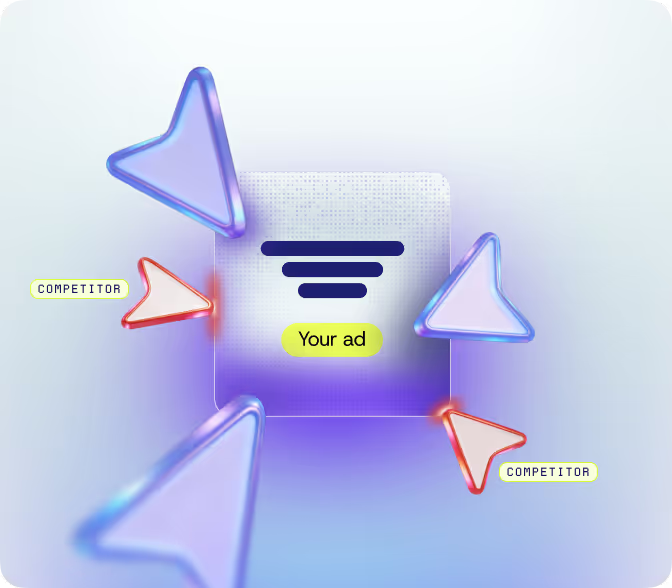
Competitors click your ads to waste your budgetdrive up CPCsand push you out of auctions. Platforms won’t catch itbut your performance will feel it.
Thousands of low-quality clicks from real people paid pennies to interact with your adsusually from countries you’re not even targeting. They drain spend and pollute your data.
Not all fake traffic is fraud. Some clicks come from disinterestedlow-intent users who will never buybut still cost you.
Click fraud protection for
GoogleMeta & Microsoft Ads.
How ClickGuard solves what hurts most
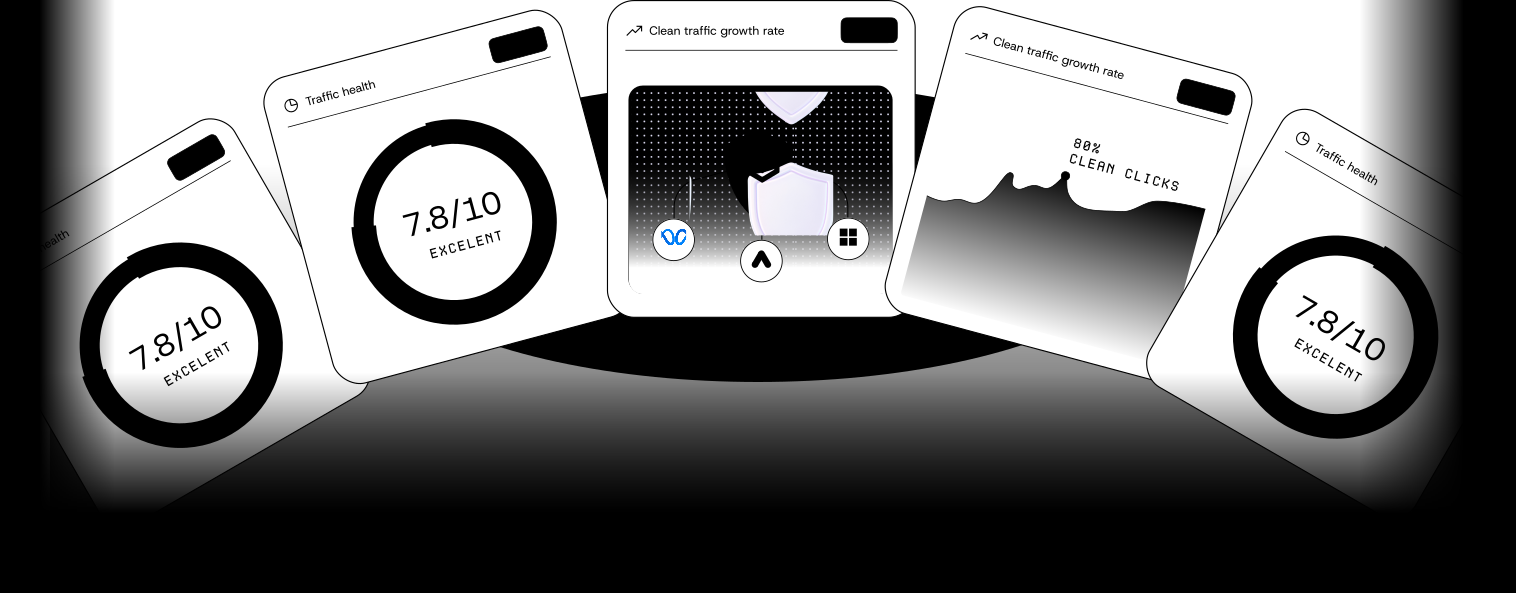
Traffic enhancement: Fuel your campaigns with genuine intent
Threat analytics: Always one step aheadnever surprised
Click forensics: Uncover the truth behind every click
Tracking & validation: Unquestionable dataconfident scale
Try our
Click Fraud Calculator for free.
Discover the true cost of click fraud on your campaigns and see your potential savings with ClickGuard.
Easy integrations with
your favorite tools and platforms.
ClickGuard connects easily to your stack: From Shopify to Google Ads to HubSpot.
What Our Customers Say
Trusted by teams like yours
“I hardly have to do anything now. Conversions increased in the first month.”
"After we started using ClickGuardit's as if a weight was lifted off our shouldersespecially when we saw the amount of money we were saving daily."
"This app helps you target leads that are more promising and will help you improve your profitability."
"We were losing so much money… After we installed the appwe even started saving money."
Have any questions?
Which campaign types are covered by ClickGuard's Google Ads click fraud prevention?
ClickGuard protects a wide range of Google Ads campaign types through its advanced Google Ads click fraud prevention technology. This includes SearchDisplayShoppingVideoDiscoveryand Performance Max (PMax) campaigns. With this comprehensive coverageyour advertising efforts are protected from click fraud—no matter which campaign type you’re running.
What advertising platforms does ClickGuard protect?
ClickGuard currently protects your ad campaigns on Google AdsMicrosoft Adsand Meta Ads. We are continuously expanding our platform coverage and will be adding support for additional advertising platforms soon. Stay tuned for updates!
How does ClickGuard save up to 30% of my ad budget?
ClickGuard saves up to 30% of your ad budget by identifying and blocking fraudulent clicks from bots and malicious actors. This ensures your ad spend is used on genuine interactions with real usersmaximizing campaigns’ efficiency. By preventing wasteful spending on fake clicksyou can allocate more of your budget to targeting potential customers more likely to convert.
Will the software affect the performance of my ad campaigns?
Only in a positive way. ClickGuard is designed to enhance the performance of your ad campaigns by filtering out fraudulent clicks. By doing soyour campaigns will likely have better targetingimproved engagement ratesand higher conversion rates.
How quickly does ClickGuard respond to fraudulent activity?
ClickGuard responds to fraudulent activity in real-time. This immediate action helps protect your ad budget from being wasted on fake traffic and ensures your campaigns remain efficient.
Is the software easy to use for non-technical teams?
Absolutely! ClickGuard is designed with user-friendliness in mind. Our intuitive dashboard and easy onboarding process ensure even non-technical teams can quickly understand and use the software. You don’t need to be a tech expert to take advantage of our powerful click fraud protection features.
Usamos cookies para melhorar a experiência no nosso site. Consulta a nossa política de privacidade.