What to expect next:
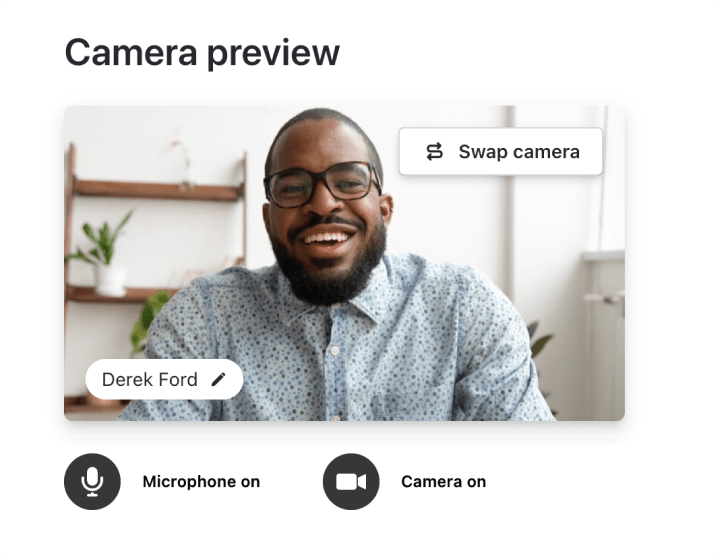
Before you join the meetingyou’ll see a preview screen with options to activate your Mic and Camera.
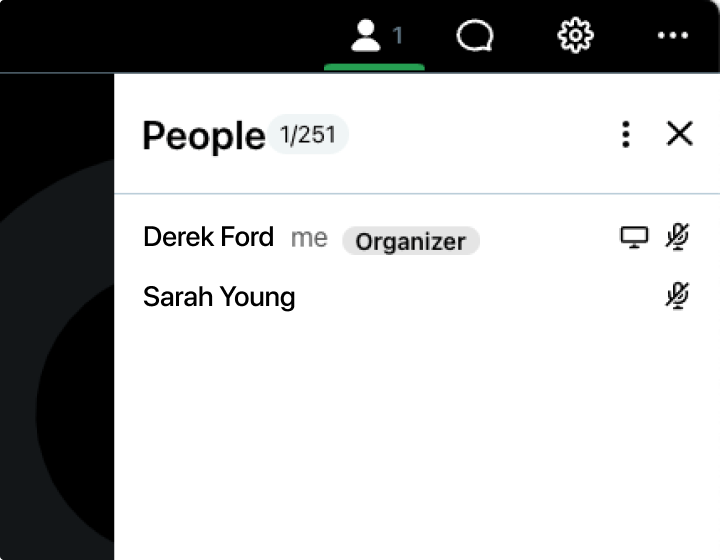
When the session startsyou can access AttendeesChatand Mic & Camera settings using the menu bar in the top-right corner.
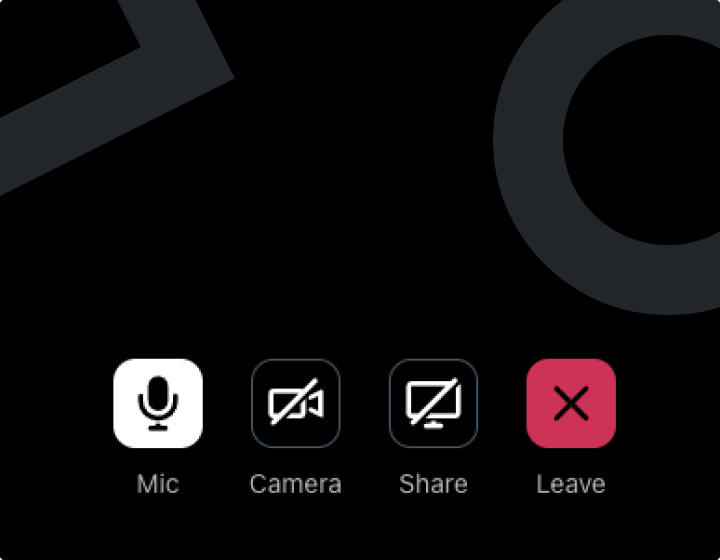
Use the buttons at the bottom of the screen to easily control your MicCameraand Screen Sharing settings.