Unity Client
Summary
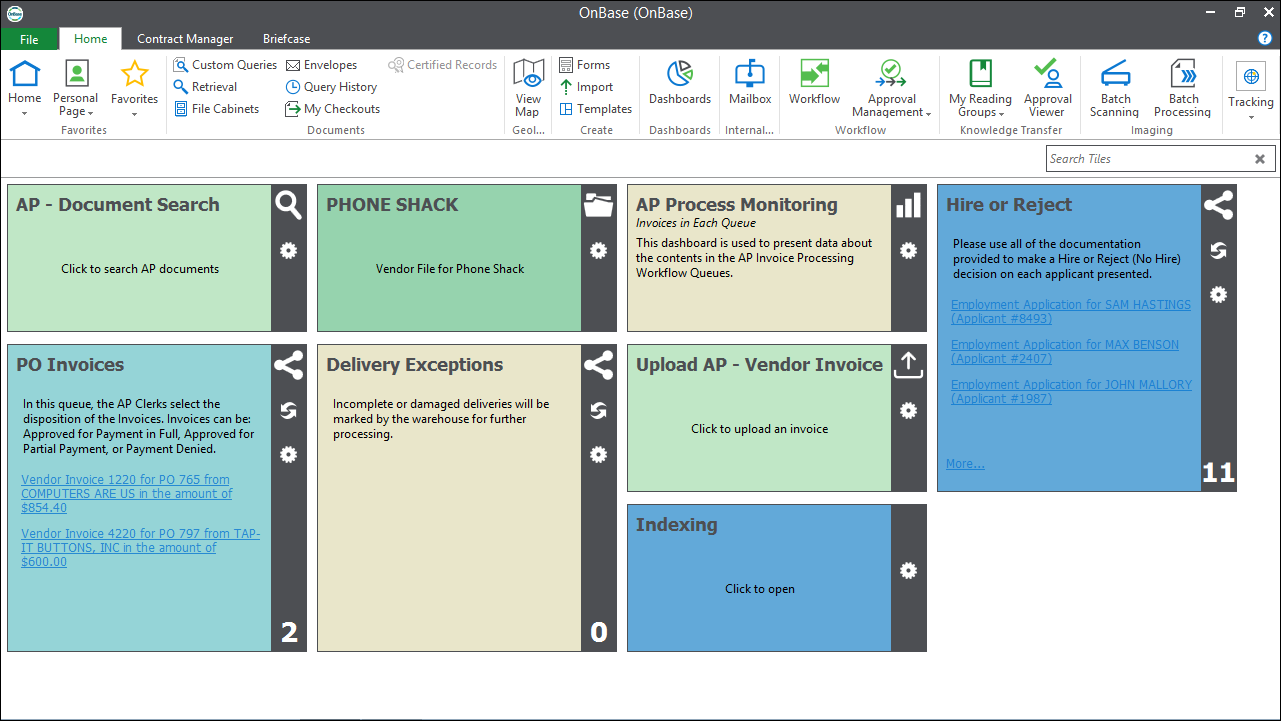
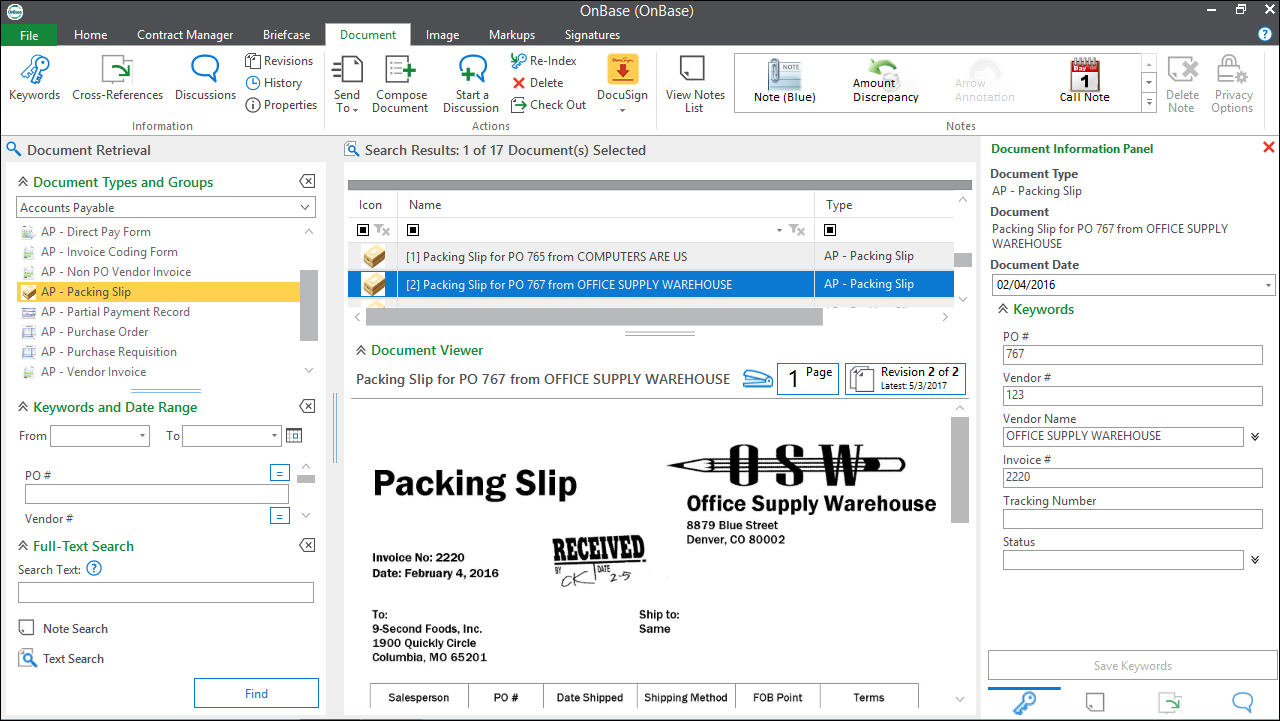
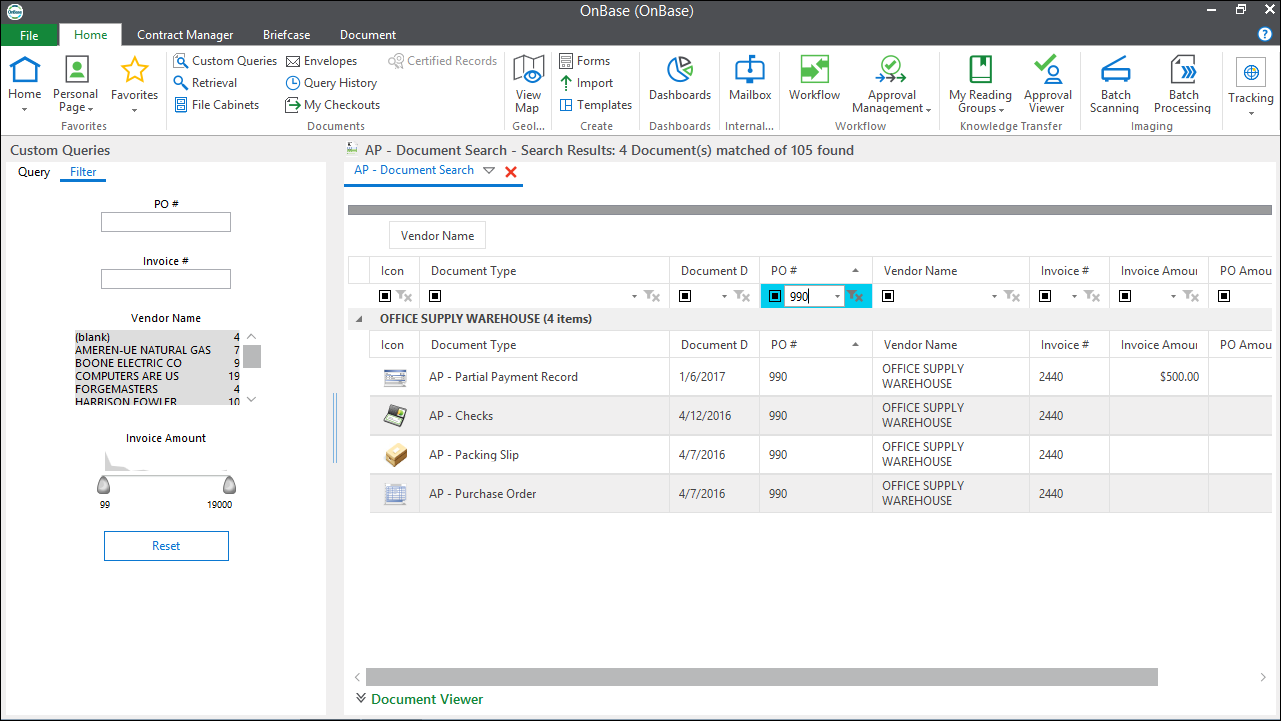
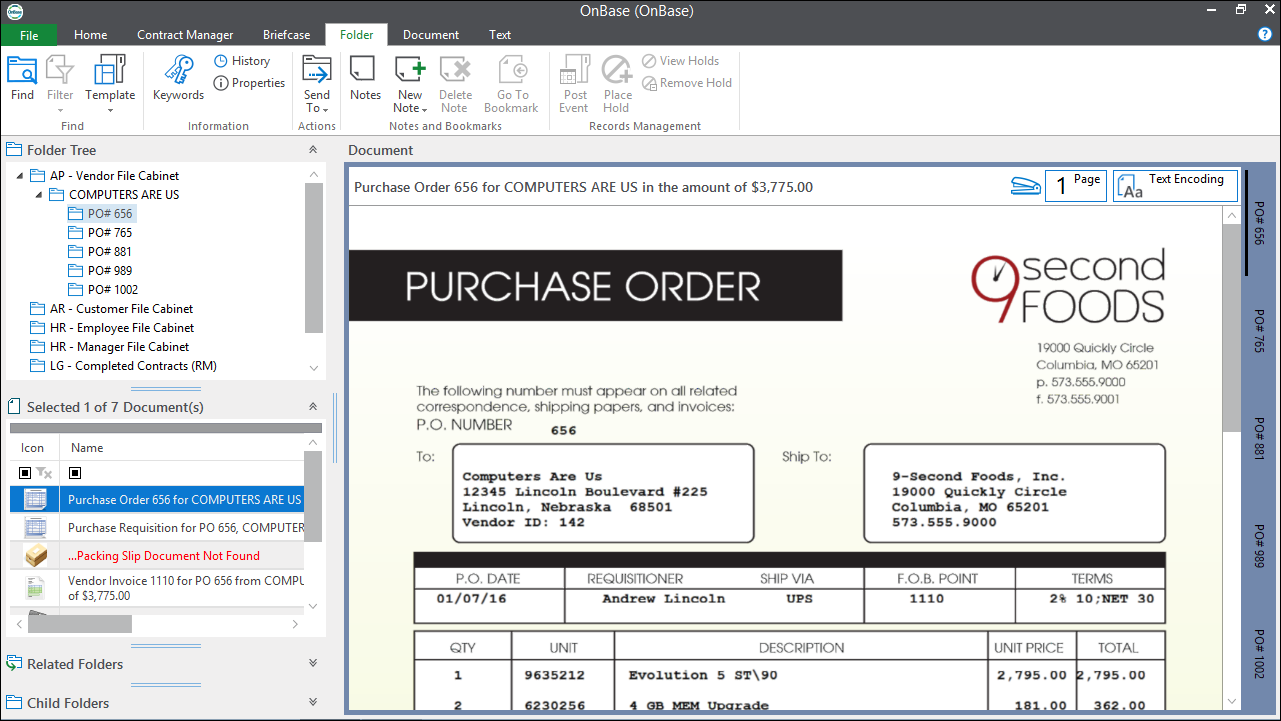
The Unity Client is an OnBase desktop applicationoffering the familiar look-and-feel of Microsoft Office products. With intuitive ribbon- toolbars and tabs and easy access to featuresusers can easily navigate and perform their primary job tasks with little-to-no training. Unity Client also enables individual users to personalize their interface in order to quickly access the forms and functions they use most often. Installation and administration are simplified with WAN optimized deployment options that support ClickOnce (or MSI) technology for both on-premise or hosted environments.
Benefits
- Simplifies OnBase accesspromoting ease-of-use by presenting OnBase features where users expect to find them.
- Increases adoption and minimizes training and support leveraging user-familiarity with Windows Office products.
- Improves productivity by providing a personalized, task-centric interface with integrated Workflow functionality.
- Saves IT deployment time and costs with rapid rollout and upgrades using Microsoft’s ClickOnce technology.
- Works the way organizations require—from platform to features—with hostedon-premise and offline solutions.
Design
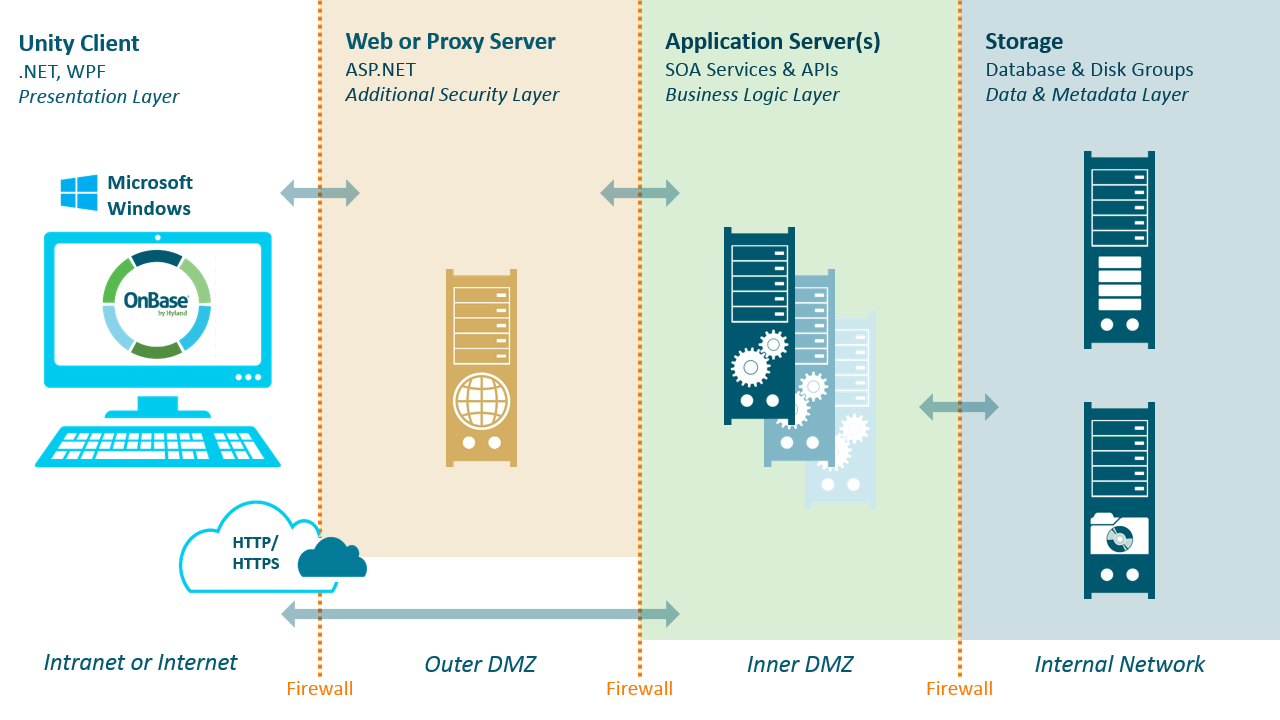
The Unity Client is a next-generation OnBase "smart" client built atop Microsoft’s .NET platform and Windows Presentation Foundation (WPF), using eXtensible Application Markup Language (XAML). In addition to creating an enhanced user experiencethese latest technologies enable an efficientscalable architecture designed to meet any business requirements.
Applications
- New OnBase customers: Prospective customers already familiar with Windows-based applications and/or Office products will instantly be comfortable using the Unity Clientas the interface provides similar ribbontab and theme features.
- On-Premise deployment: Using ClickOnce technologythe Unity Client deploys quickly and easily to thousands of internal users. The Application Server provides centralization of ODBC transactions and Disk Group accesswhich can improve performance over a Wide Area Network (WAN).
- Hosted deployment: Customers that desire a Windows-based desktop user interface within a SaaS offering will be able to deploy the Unity Client via ClickOnce to meet their requirements. The Unity Client sits on the client machinewhile the Application Server Database and Disk Groups can all be hosted via OnBase OnLine and made available over the Internet via HTTPS.
Interface