


-
Forms & Scheduling
-
 Google Forms
 -
 Microsoft Forms
 -
 SurveyMonkey
 -
 Calendly
-
Business & Marketing
-
 App Download
 -
 Coupon
 -
 Google Review
 -
 Resume / CV
 -
 Product Info
-
Location
-
 Location







 New Dynamic QR Code
  New Static QR Code
 The QR Code Generator (TQRCG)
All-in-one tool to create free QR Codesedit themand track campaign performance.
To enable trackingcreate a Dynamic QR Code
Link a PDF document to share easily
Show multiple links in a webpage
Share contact details easily
Display a short message
Redirect to app download based on the device OS
Link phone number to send a text message quicker
Link an email address to open the email app ready to go
Link a phone number for quick calls
Link a phone number for quick calls
Remove The QR Code Generator watermark by signing up for the Flex plan


 No credit card required
How to create a free QR Code in 3 simple steps
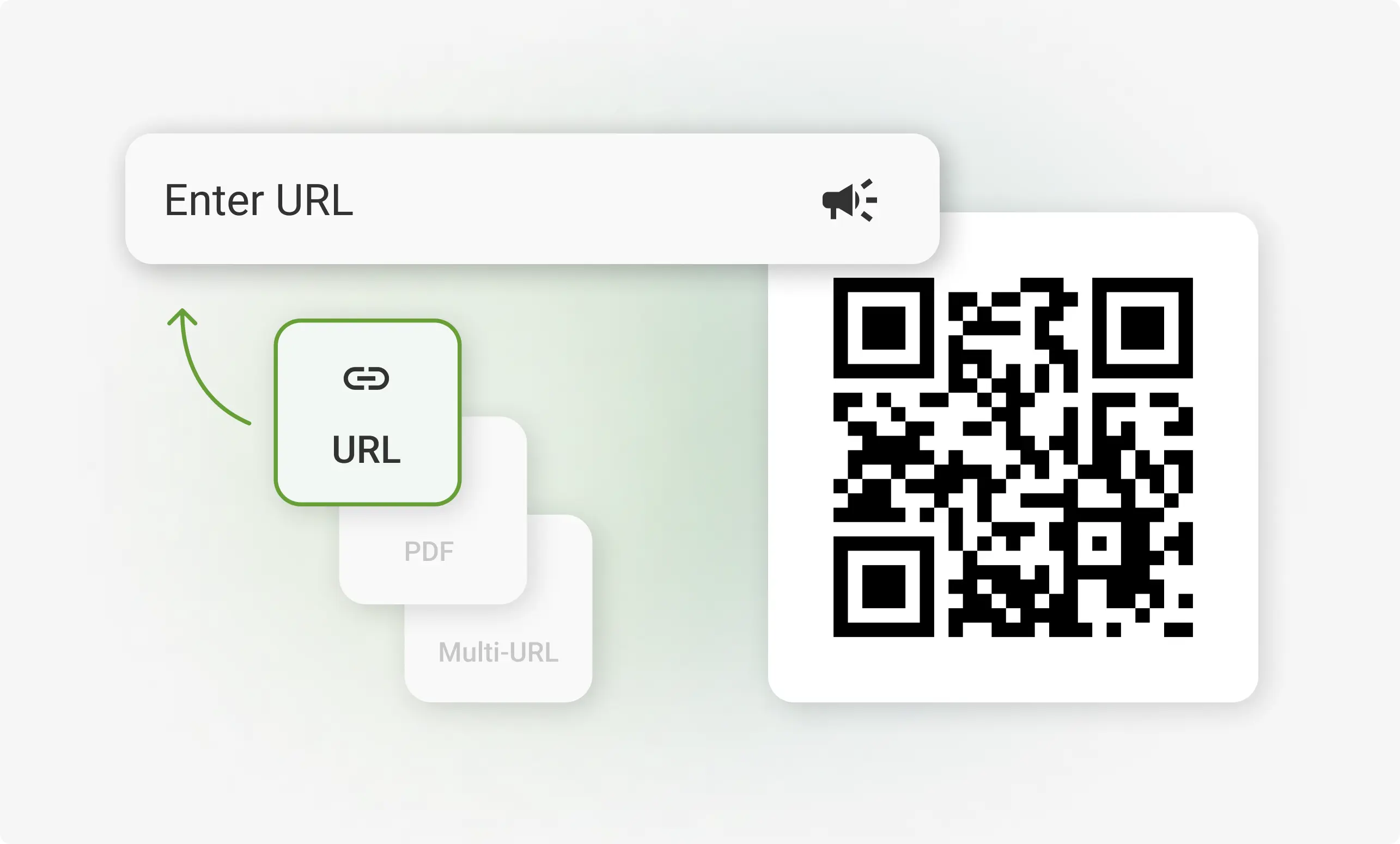
1. Choose your QR Code type
Choose your QR Code type (static or dynamic) based on what you want it to do: open a URLshare a PDFdisplay a menushare contact detailsand more.
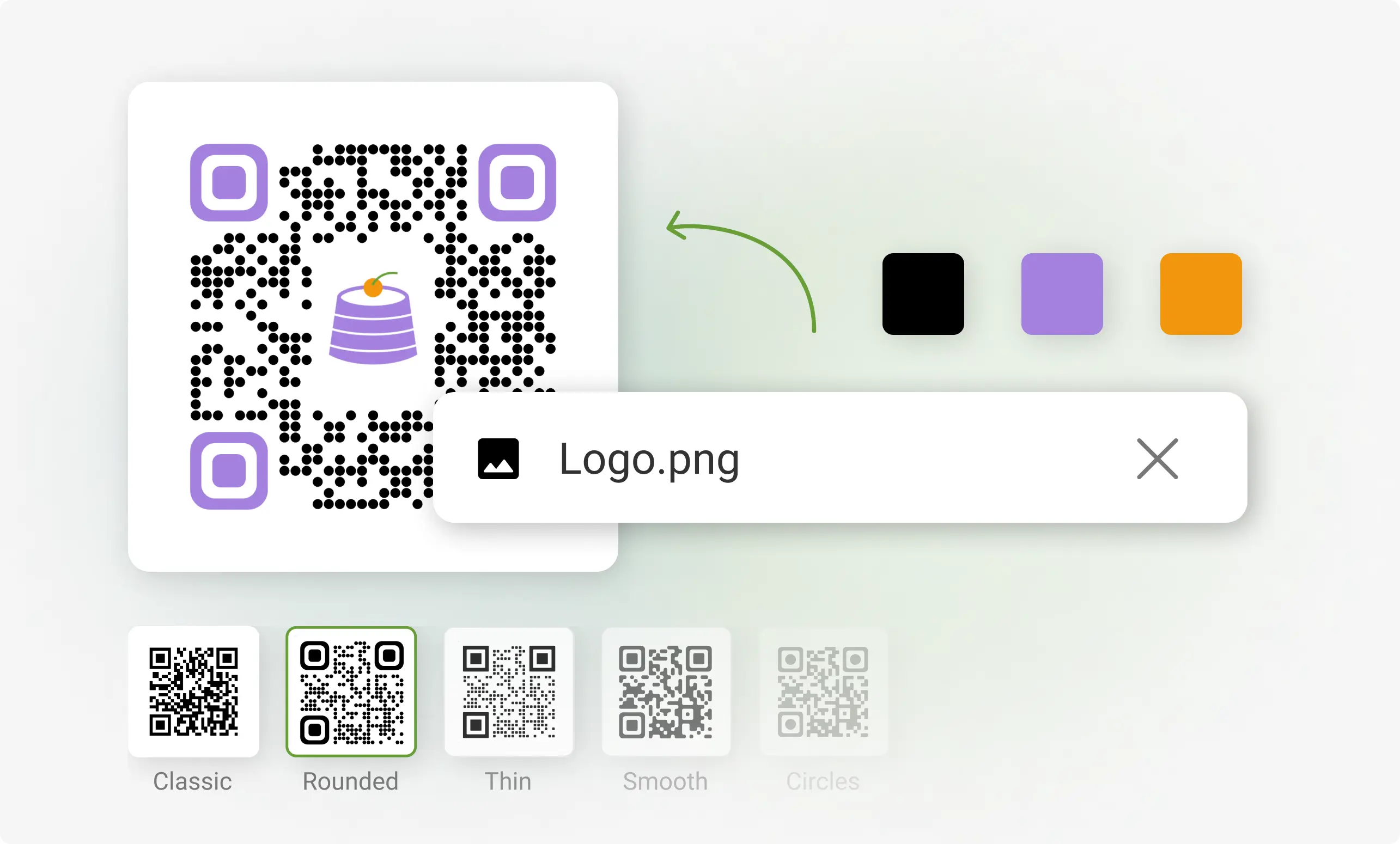
2. Customize it your way
Add your detailschange the color your QR Codeadd a logoand test it in real time before downloading.
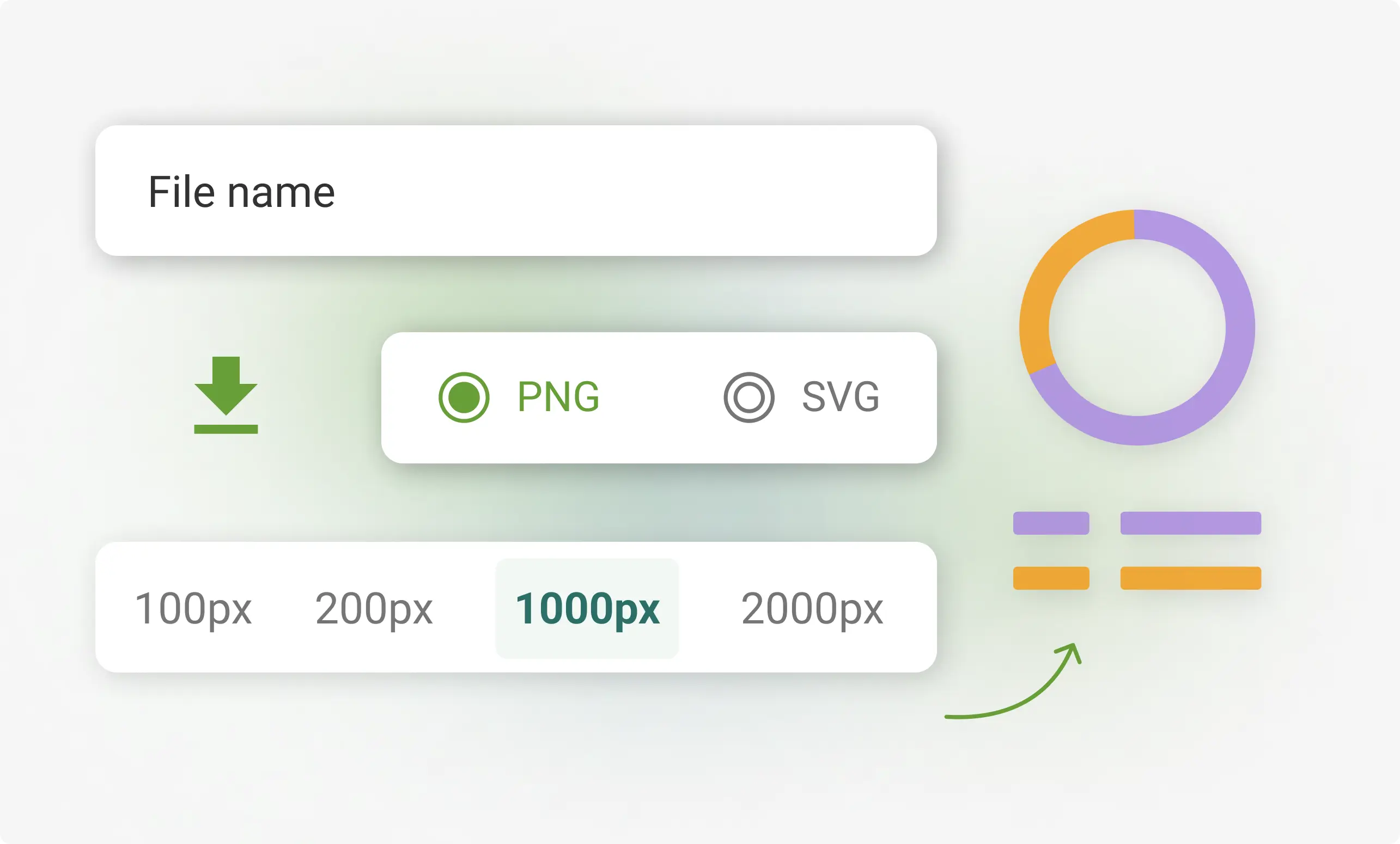
3. Download & share
Pick PNGor SVG formathit downloadand you’re all set to share it anywhere!
QR Codes explained
A QR Code is a two-dimensional barcode that stores informationsuch as URLscontact detailspayment dataor textin a grid of black and white squares. It can be scanned using a smartphone camera or a dedicated QR scanner to instantly access the stored content without typing.
Modern QR Codes can be static (fixed data) or dynamic (editable and trackable)making them useful for both one-time and ongoing campaigns.
QR Codes are widely used because they provide a quickcontactlessand low-cost way to link offline experiences to digital content. Businesses rely on them for real-time updates and to reduce print waste while giving users instant access with just a smartphone camera. QR Codes are preferred because they are versatile they can be added to screenspackagingbillboardsand more.
- Open the camera app on your smartphone or tablet. Most modern devices have built-in QR code scanning capabilities in their camera apps.
- Point your camera at the QR codemaking sure it's clearly visible within the frame.
- Hold steady for a few seconds. The camera should automatically recognize and scan the QR code.
- Tap the notification or link that appears on your screen. This will usually take you to the information or action associated with the QR codesuch as a websitevideoor contact information.
If you need more specific stepscheck out our detailed guides on how to scan a QR code on an iPhone or how to scan a QR code on an Android device
Why 4 Million+ Users Trust TQRCG for ROI Driven QR Code Campaigns

Track every scan
Know how your QR Code campaign is performing with real-time insights! Get insights on scansunique userslocationsand devices.

Free dynamic QR Codes
Create up to 2 dynamic QR Codes for free and update their content anytime without making a new one.

Collaborate with Your Team
Invite up to 5 team members to manage and share QR Codes on one dashboard across the organization.

24/7 Customer support
Our support team is always ready to fix issues quicklyvia email or callto keep your QR Codes running smoothly.
Pay for What You Use
Enjoy flexible pricing! Pay only for the features or extra QR Codes you needwith no hidden costs.
What types of QR Codes can you create for free?
Website (URL)
Turn any flyerproduct labelor poster into a direct traffic booster by linking it to your websitelanding pageor online store. With just a quick scanpeople are where you want them to be—and if your link changesdynamic QR Codes let you update the URL anytime without reprinting.
Multi-URL
Link websitesvideosand social profiles in a single QR Code. This works well for campaigns where you want to offer multiple options. You can update or reorder the links anytime without creating a new code.
PDF (Files)
Share brochuresmenuse-booksor guides as downloadable PDFs. It is a clean way to keep your audience informed without bulky attachments. You can also upload a new file anytime using a dynamic QR Code.
Contact (vCard)
Let people instantly save your updated contact details with a quick scanwithout reprints. It is a great fit for business cardsnetworking eventsand conferences.
SMS
Pre-fill a text message for your customers with just one scan. It’s useful for instant responses registrationsor follow-ups. You can customize the message to A/B test these campaigns as well.
Make it easy for people to contact you without typing a word. With one scanthey can send a pre-filled email to your inbox. Perfect for support pagesproduct packagingor printed materials where quick communication matters.

Plain Text
When scannedit displays short messagesinstructionsor other simple info. It works even without an internet connectionmaking it ideal for offline details such as Wi-Fi passwords or locker codes.

App
Send users directly to your app in the App Store or Google Playperfect for boosting downloads from product packagingpostersor in-store displays. Make it easy for customers to find and install your app with a single scan.
Phone
Let customers call you with one quick scan. Place a phone QR Code on flyersbrochuresor storefront signs to make it easy for people to reach you for supportbookingsor inquiries. No need to dial manually!
Where to place your QR Code to improve scans?
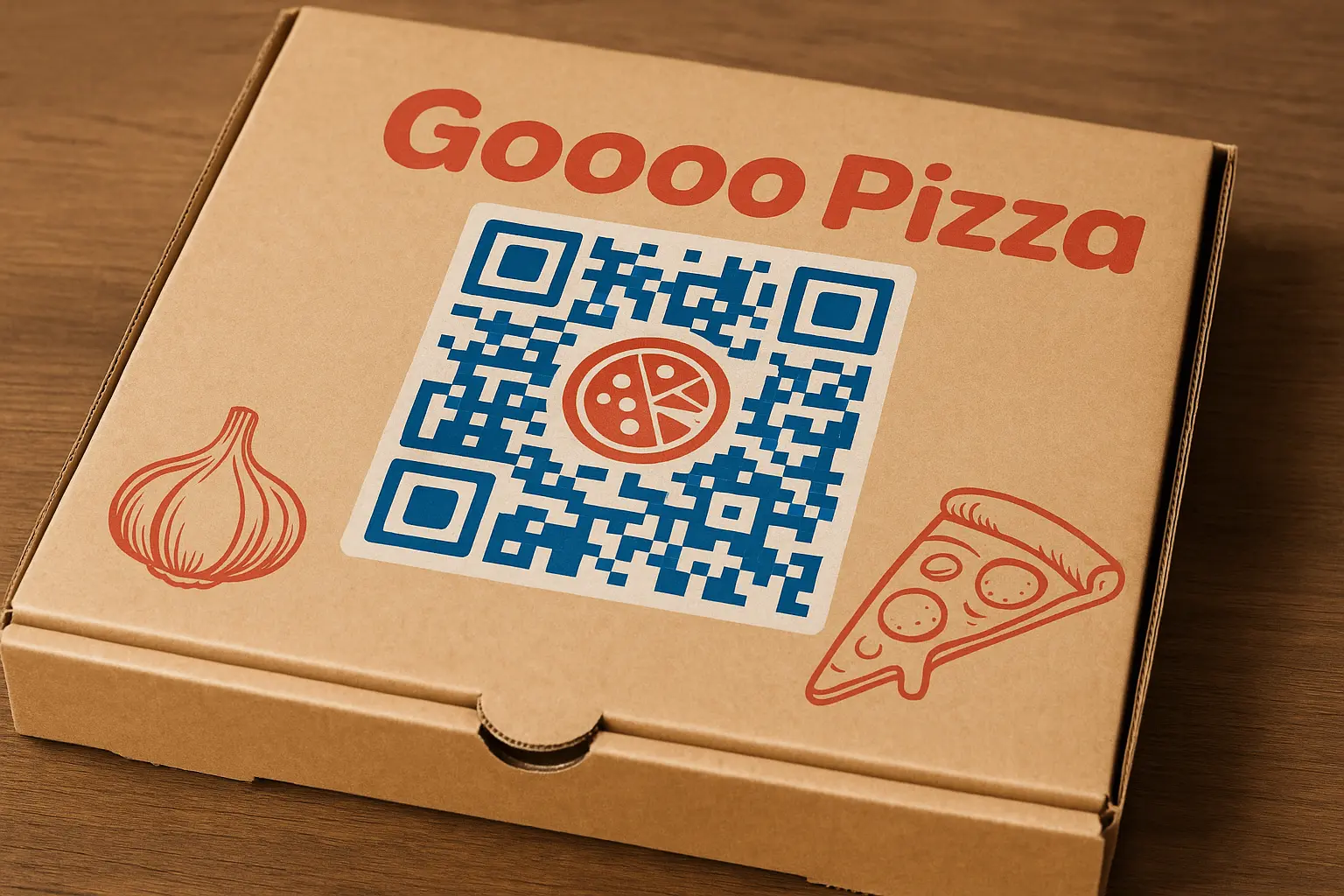
Packaging
Add QR Codes to product boxeslabelsor inserts. Use it to share manualshow-to videosor warranty details to help customers access useful content right after purchase without extra steps.
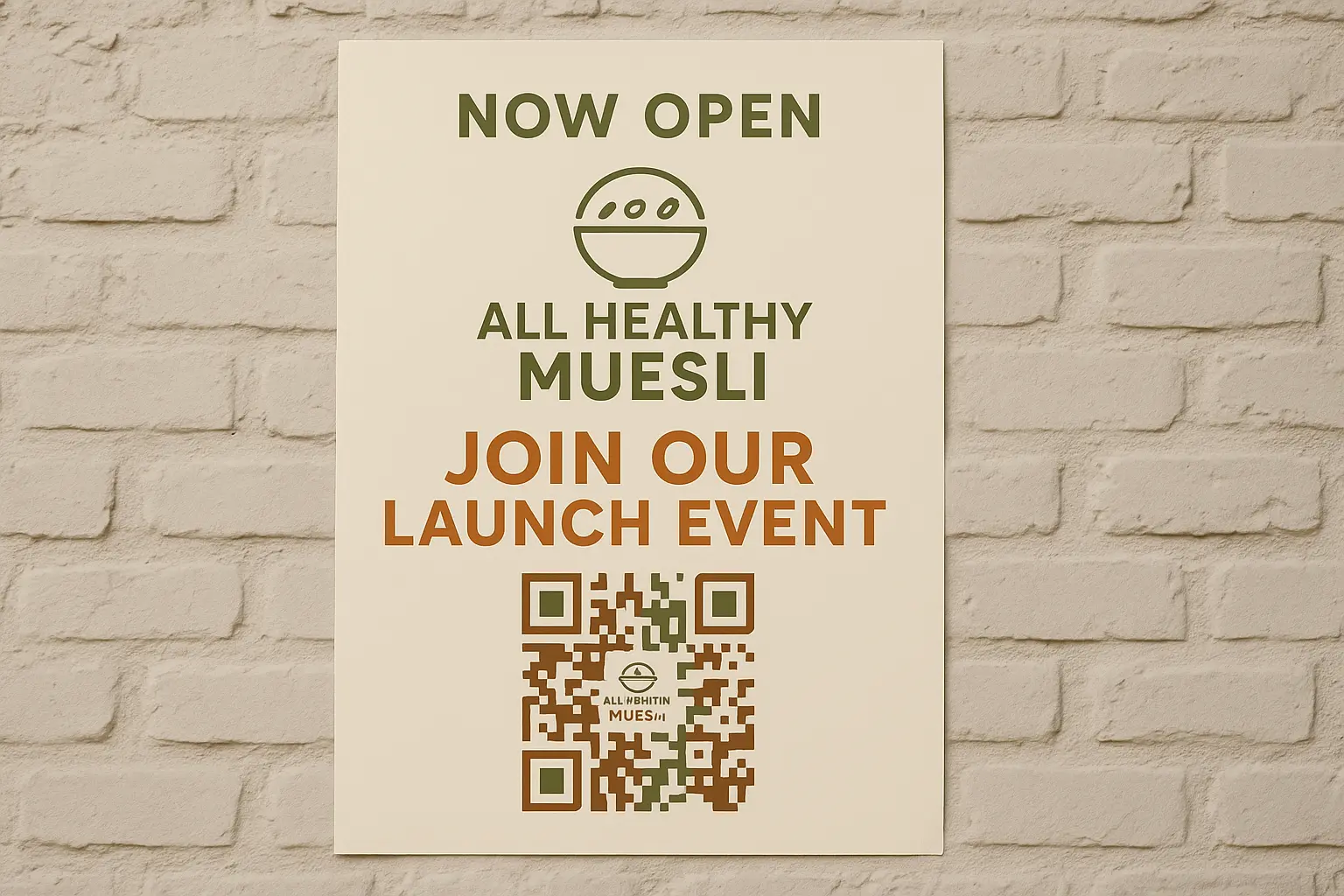
Posters and Flyers
Place QR Codes on marketing materials to drive sign-upsevent registrationsor website visits. Turn offline interest into instant online engagement.
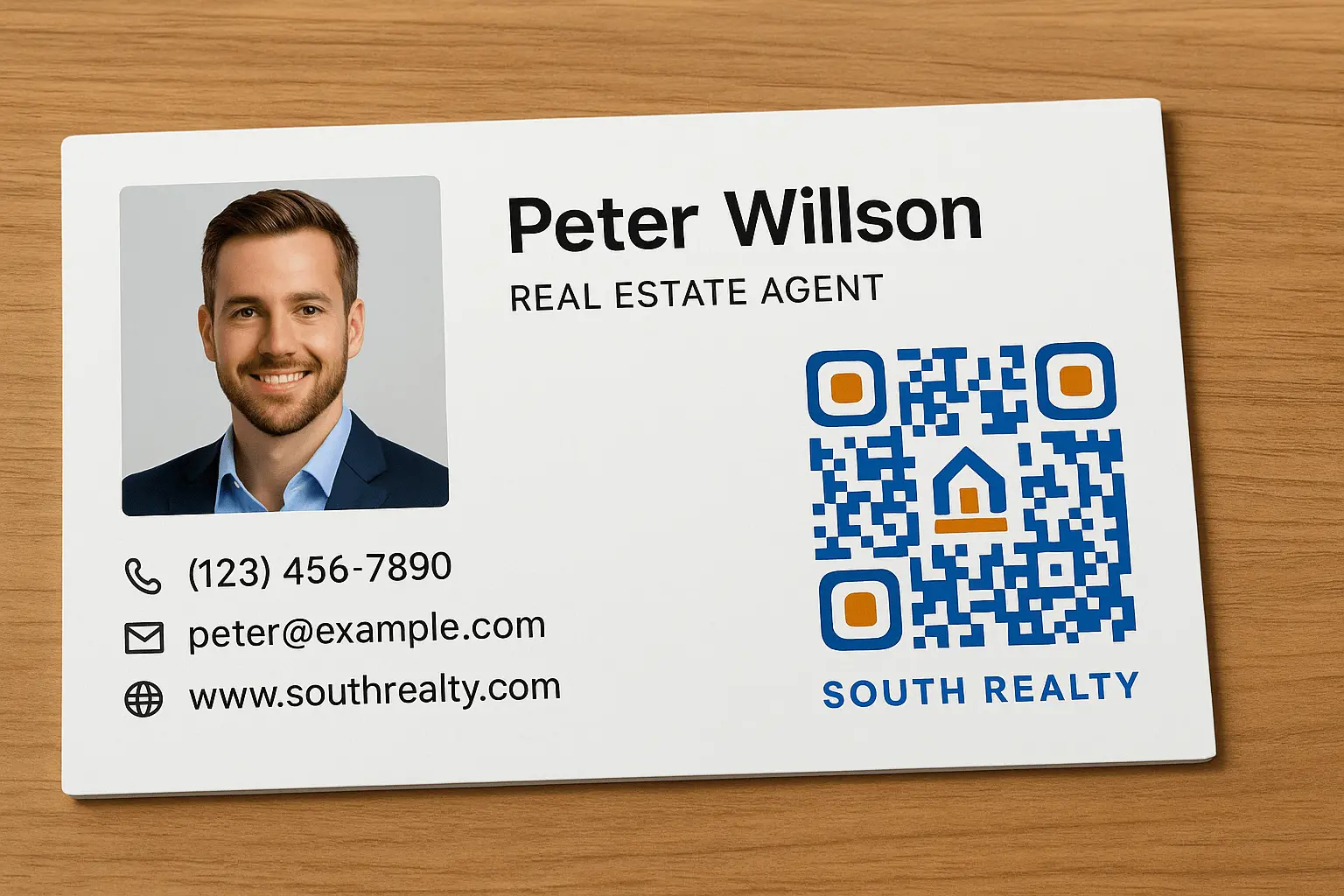
Business Cards
Share all your contact details with a single scan—websitephoneLinkedInor calendar link. Ideal for networking events or remote introductions.
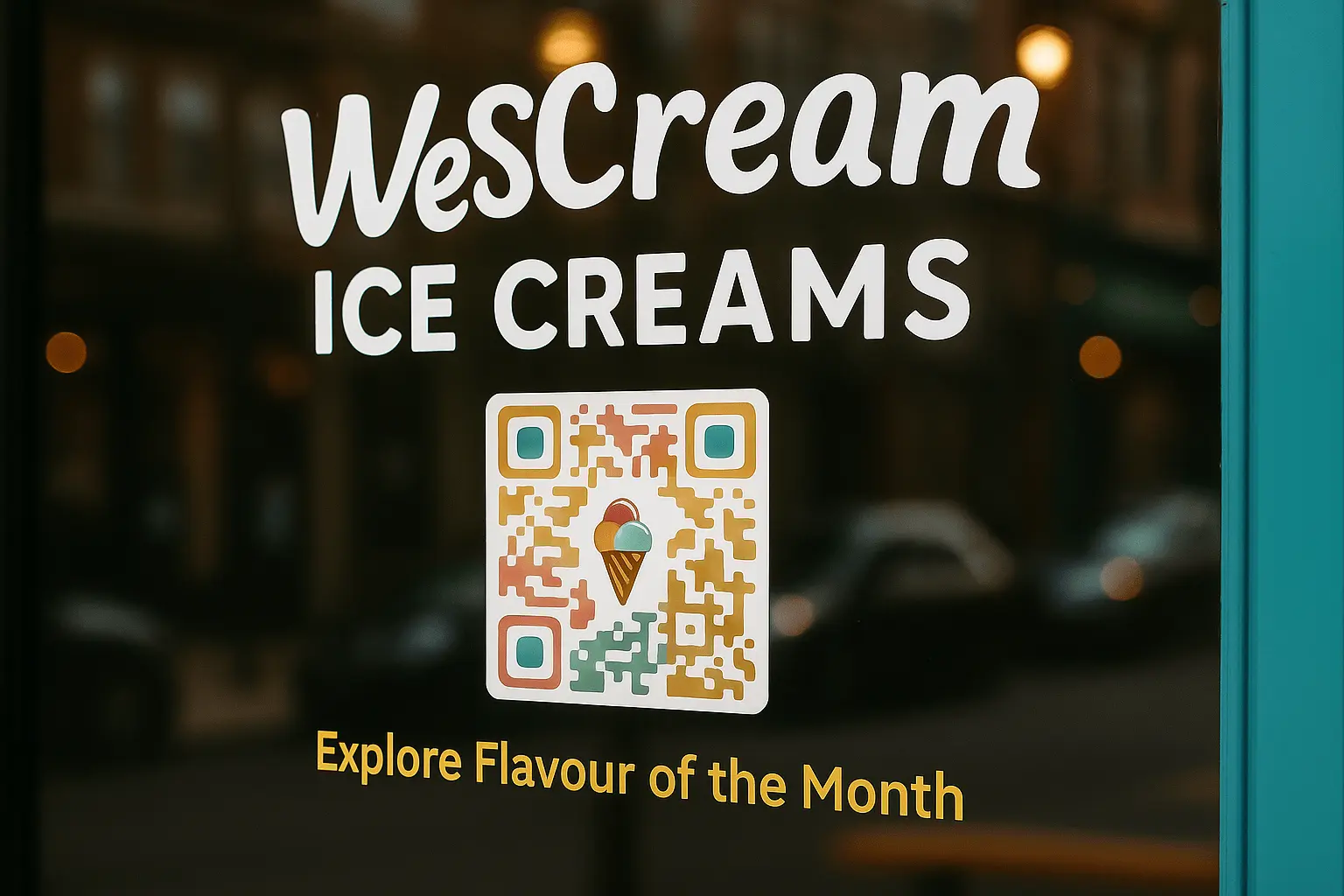
Storefronts and Signage
Place QR Codes on windowsentrywaysor tables to help passersby explore menusleave reviewsor check out new arrivals. They work 24/7even when your store is closed.
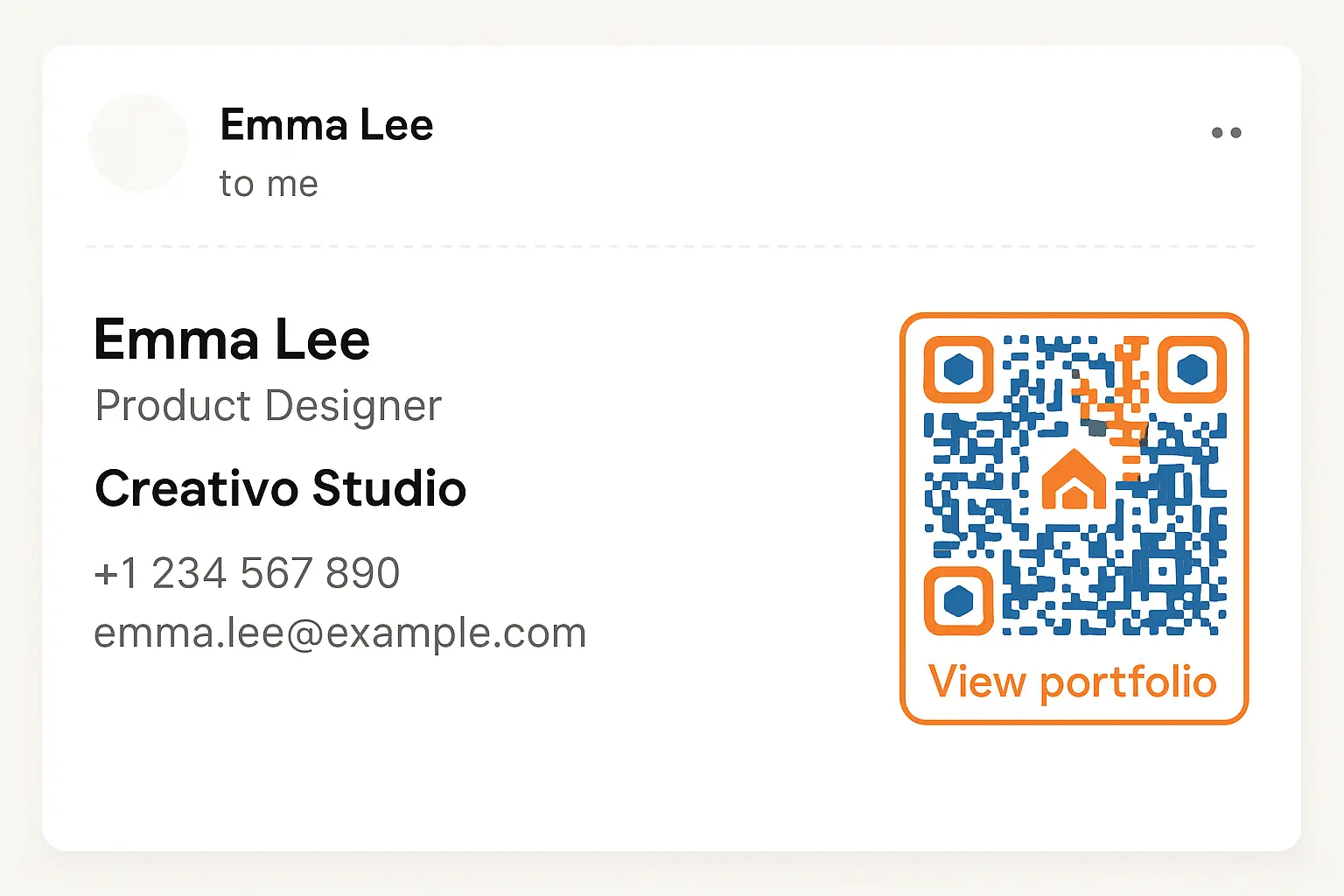
Email Signatures
Add a QR Code to your email footer so recipients can book meetingssave your contactfollow your socialsor visit your website quickly and easily.
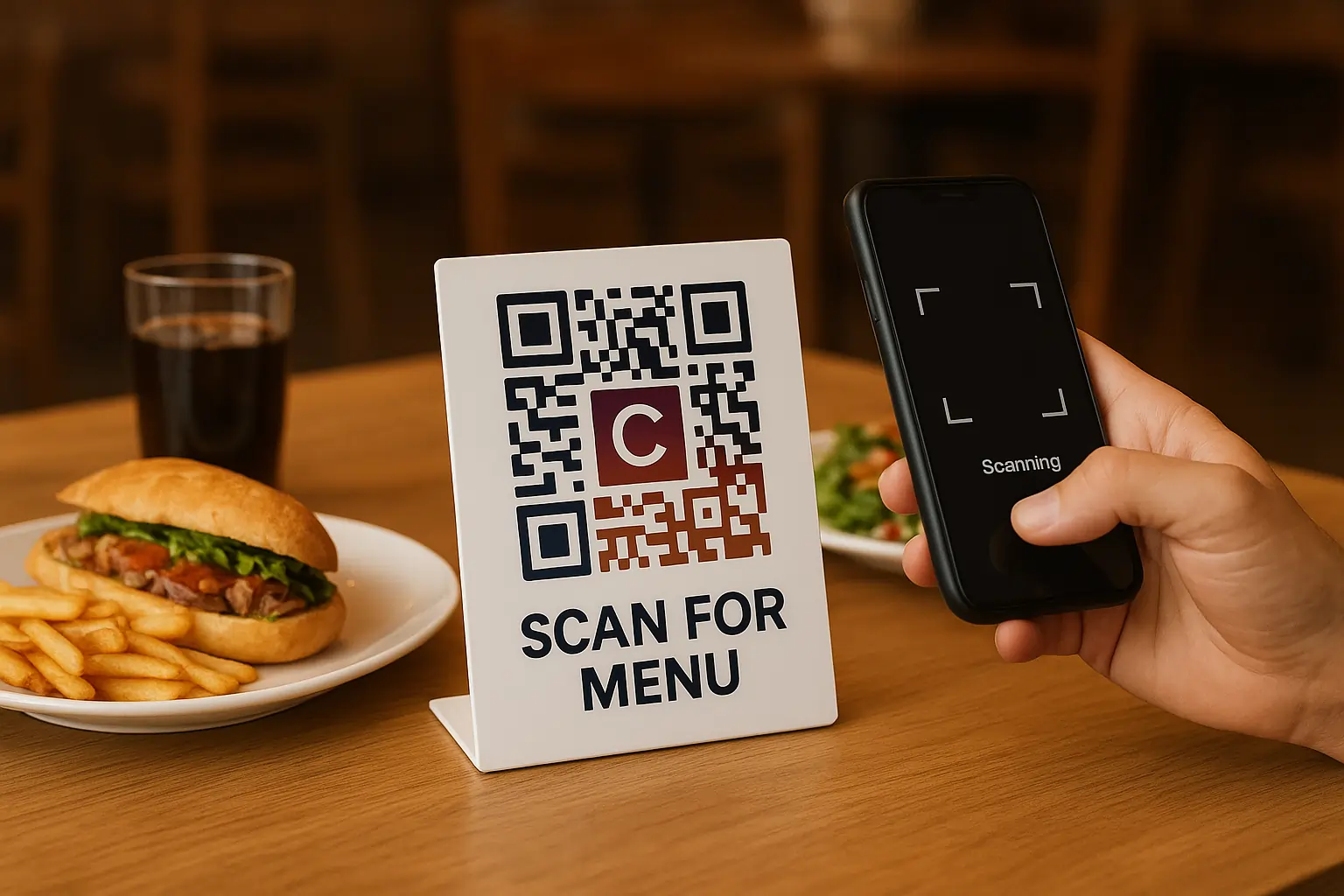
Tables and Counters
Place QR Codes where customers wait or dine to show menuscollect tipsor request feedback. It’s a smart way to enhance the in-person experience.
How different industries use QR Codes
QR Codes are everywhere — but we’ve identified the most impactful ways they’re being used in each industry. These examples are proven to deliver value and make adoption seamless.
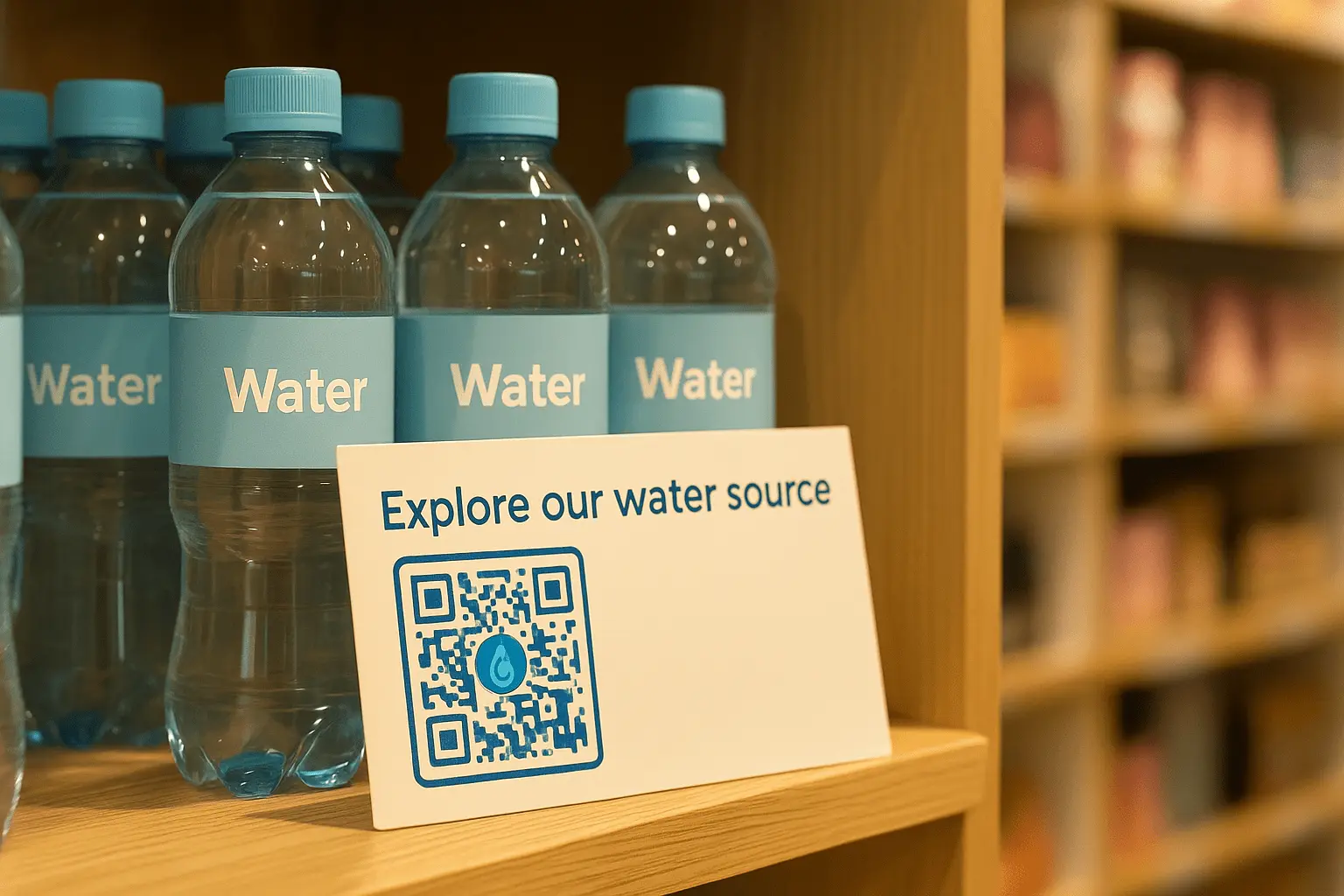
Retail
Enable contactless checkoutlink directly to product pagesor collect customer reviews with a simple scan. QR Codes streamline the buying experience from shelf to smartphone.
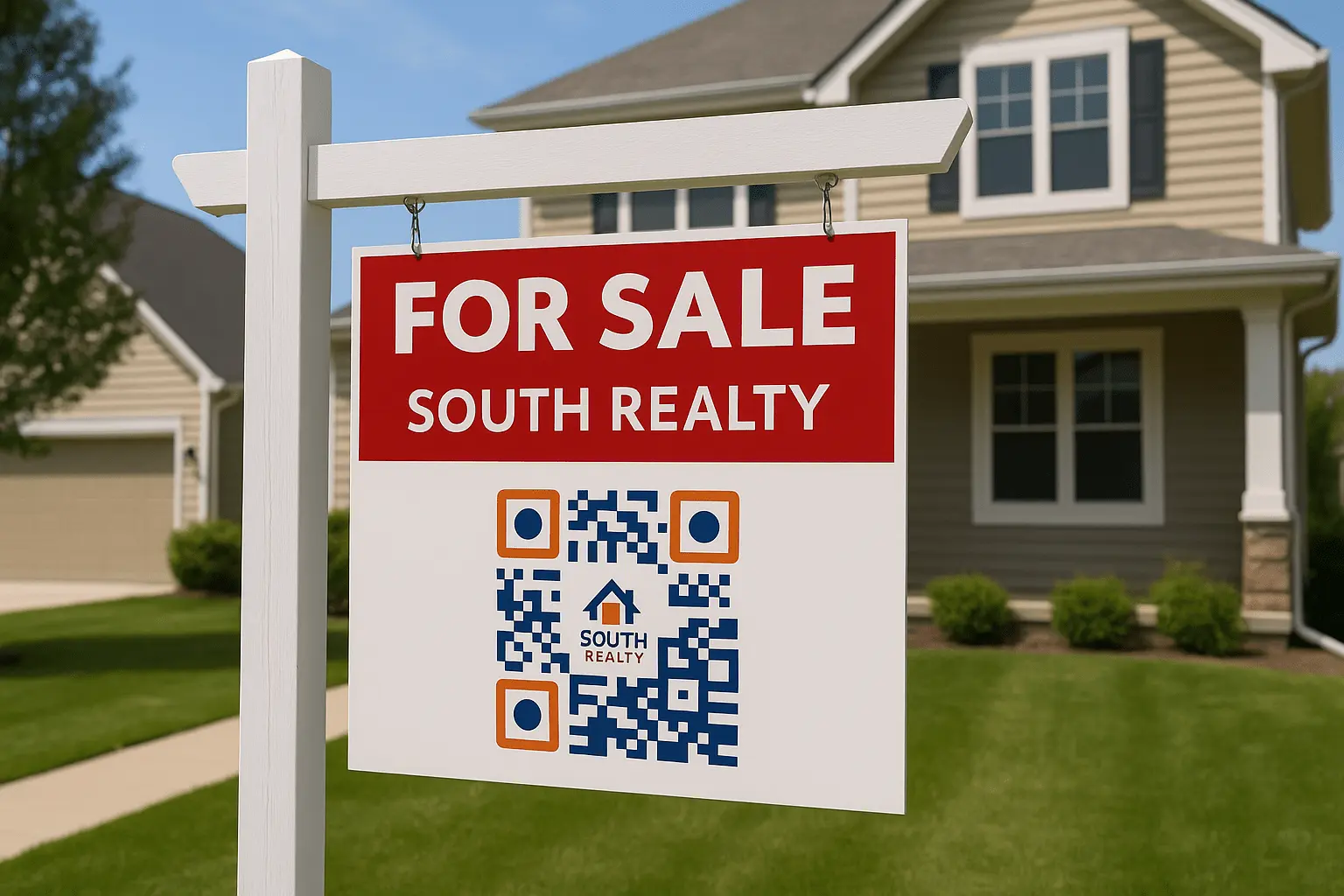
Real estate
Share virtual toursproperty detailsor agent contact info directly from for-sale signs or brochures. Potential buyers get instant access to everything they need.
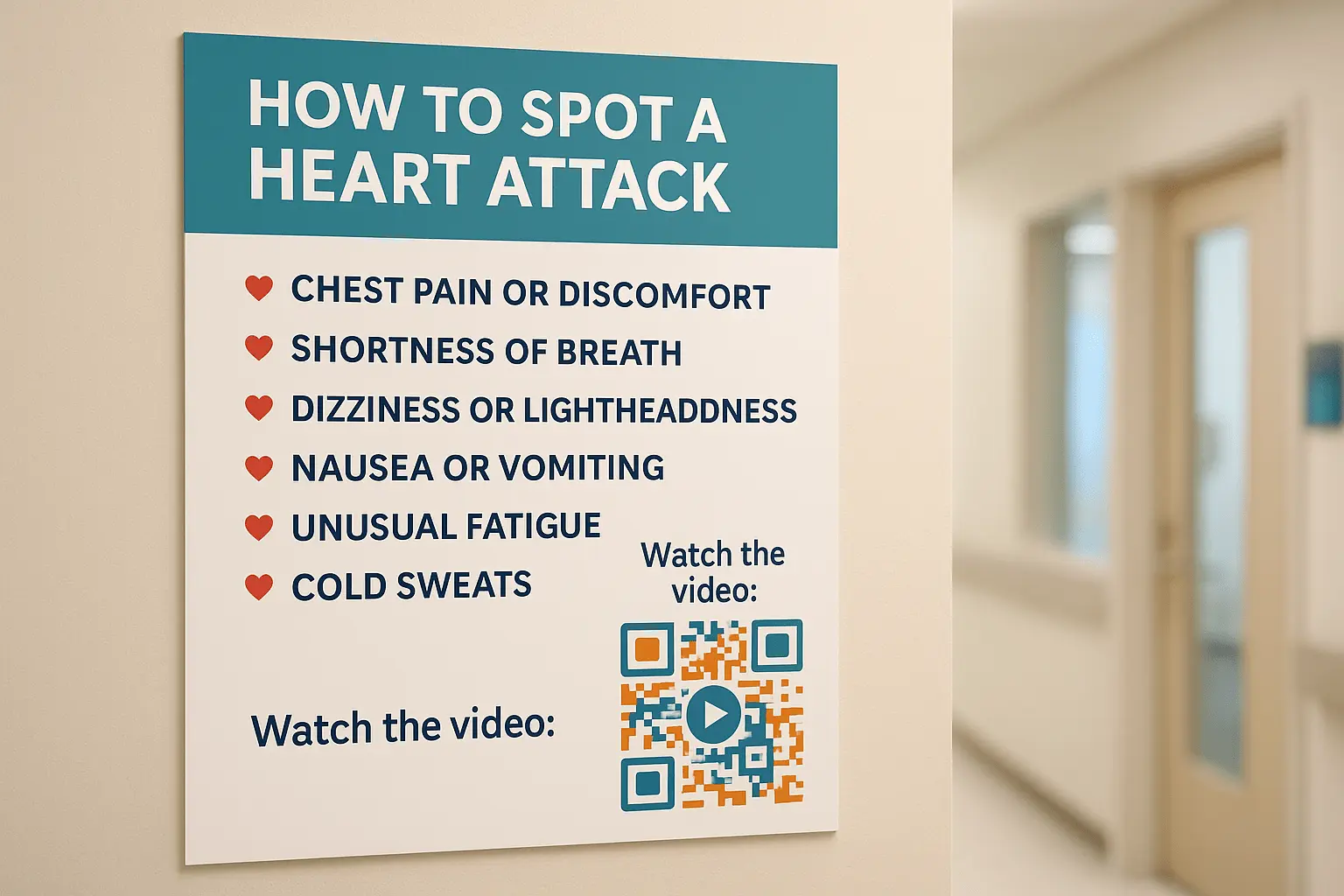
Healthcare
Simplify appointment bookingsshare digital reportsor guide patients to the right information with scan-and-go access. Especially helpful in waiting rooms or prescription bags.

Education
Use QR Codes for lesson handoutsassignmentsor links to learning platforms. Teachers save timeand students stay on track.
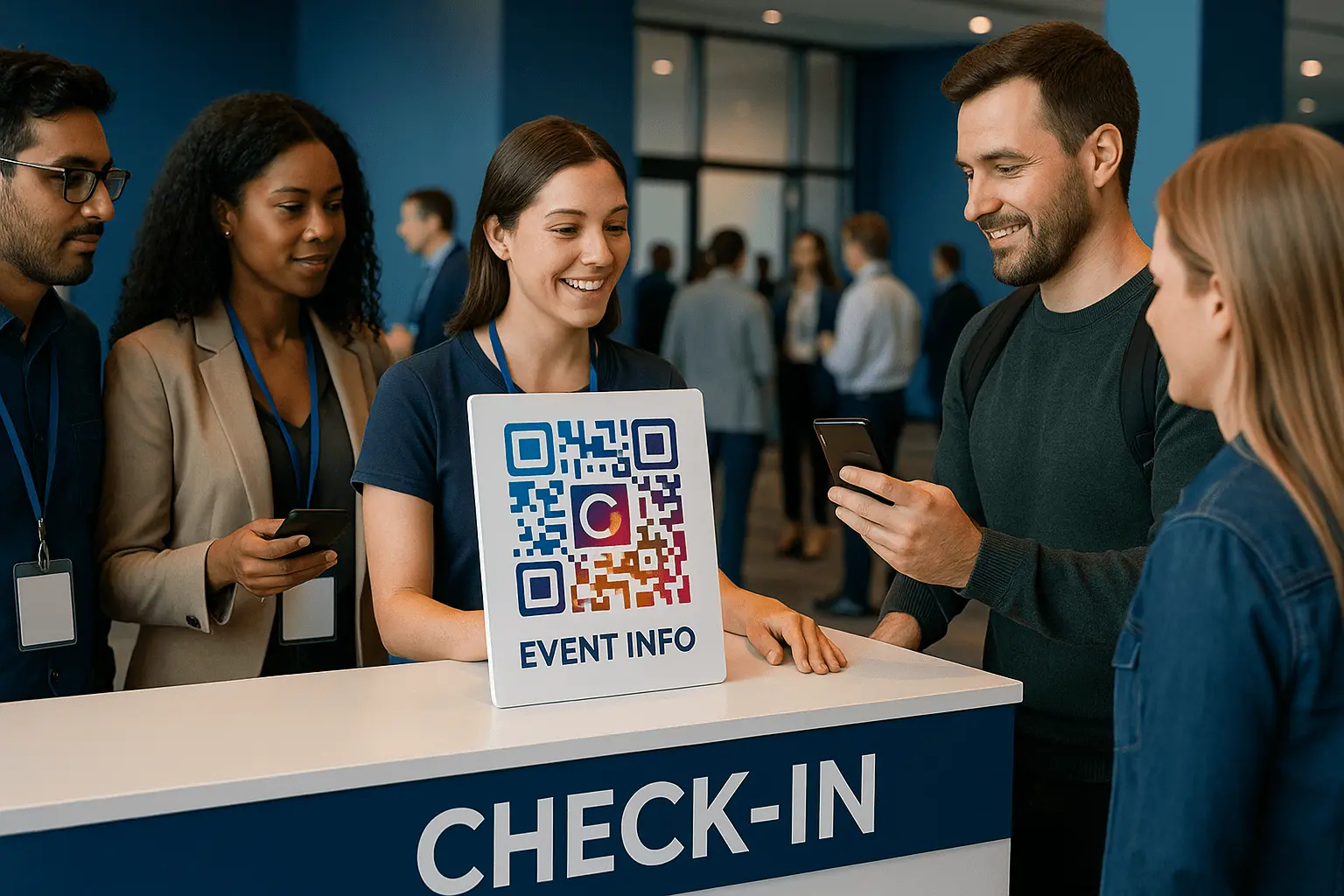
Events
Make check-ins seamlessdeliver digital ticketsor provide access to event schedules and maps. Great for conferencesconcertsand festivals.
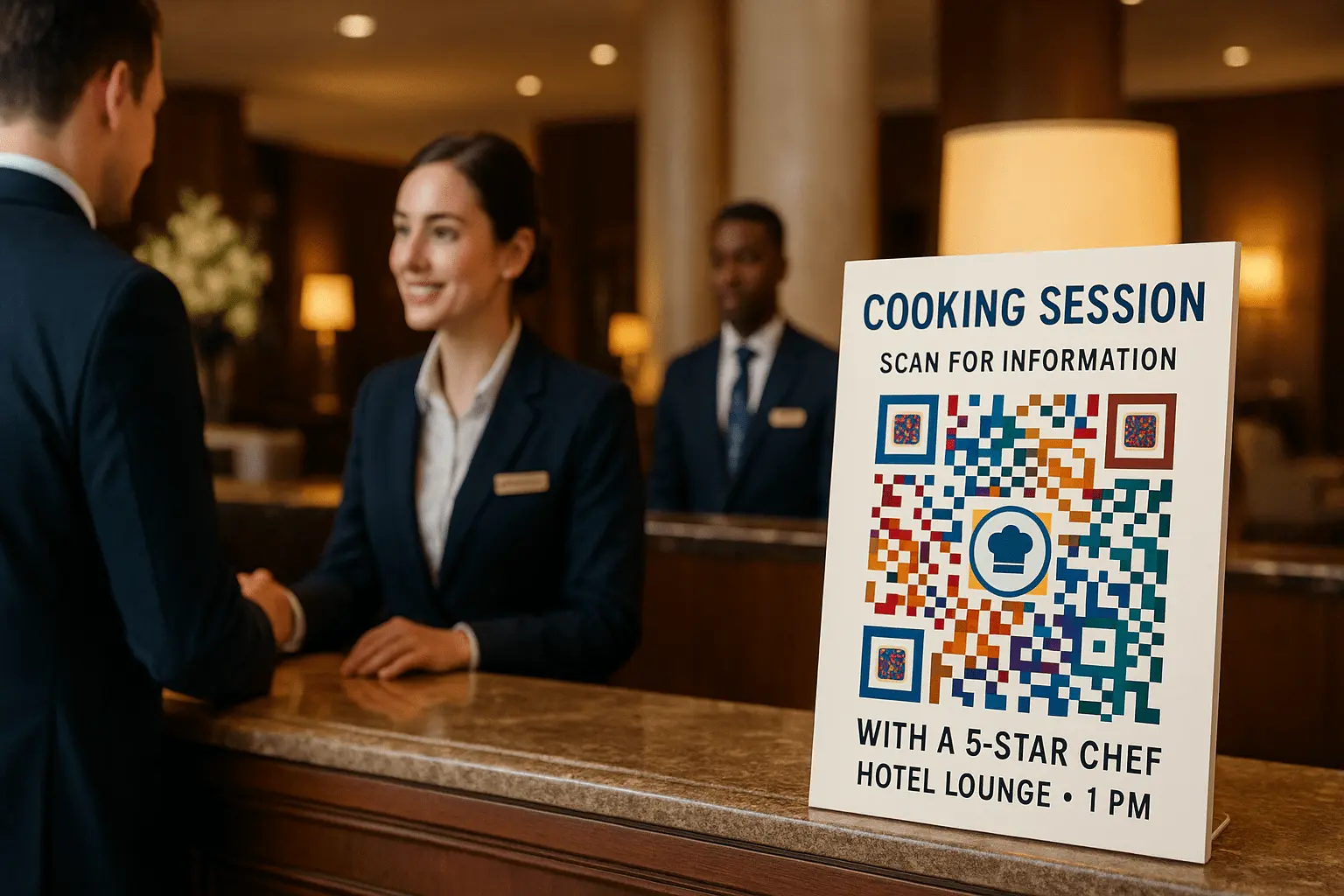
Hospitality
Replace physical menuscollect feedbackor promote special offers at the table or check-in counter. Guests enjoy a touch-freemodern experience.
Frequently Asked Questions
TQRCG (The QR Code Generator) is truly free for unlimited static QR Codes and 2 dynamic QR Codes. But many QR generators do come with hidden catches. Look out for tools that offer a “free trial” but later deactivate your QR codes or start charging unexpectedly.
Static QR codes are fixed and can’t be changed once created. Dynamic QR codes let you edit the destination later and track scans. Howevermany toolsunlike TQRCG (The QR Code Generator) put dynamic features behind a paywall or use short URLs you can’t control.Read more about the difference between static and dynamic QR codes here.
Static QR Codes never expire and work as long as the linked content is available. Dynamic QR Codes can be updatedbut their validity depends on the provider's terms.
They arebut like anything on the internetit’s smart to stay alert. Scammers sometimes replace real QR codes in public places. Always preview the link before openingespecially if it looks suspicious.
Some tools deactivate codes after a trial ends. Ours won’t. Static QR codes always stay activeand you can keep up to 2 dynamic QR codes live without paying.
Yesyou can create a QR Code for a long URL. Simply paste it into the QR Code generator's input fieldwhich also offers a URL shortening option.
Your QR Code may not work due to:
- Low contrast(background too similar to the code).
- Poor quality (blurry or pixelated).
- Wrong size (too small to scan).
- Broken link (URL is incorrect or inactive).
- Over-customization (damaged patterns or missing elements).
- Expired code (if it's a dynamic QR Code with an expired link).
YesQR Codes work without the internet if they store offline data like:
- Plain text
- Contact details (vCard)
- WiFi credentials
- Calendar events
HoweverQR Codes linking to websitesvideosor online content require internet access.
Usuallythere’s a cost associated with dynamic QR codes mainly because the destination is customizable even after creating a QR. HoweverThe QR Code Generator offers 2 lifetime free dynamic QR Codes to its users.
Users generally don’t trust QR codes that point to a QR generator’s redirect domain. They prefer QR codes that go straight to their own website. Andwe completely get why! That’s why we let you embed URLs directly—no forced short links in betweenespecially for the static ones.
Yes! You can change the colorpatternand design of your QR Code. Just make sure there is enough contrast between the code and the background so it scans easily.
To add a logo to your QR Code:
- Sign-up to access The QR Code Generator's dashboard
- Select the QR Code typeadd detailsand click "Next"
- Within the customization optionsgo to the Logo panel and upload your logo
- Click "Next" to download your QR Code with a custom Logo
Yesexcessive design elements can affect scannability. To avoid thisensure:
- High contrast between the QR Code and background.
- Clear positioning patterns (do not distort or cover them).
- Adequate quiet zone (space around the QR Code).
- Balanced customization (avoid over-stylizing dots or shapes).
Test your QR Code after customization to ensure it scans properly!
YesThe QR Code generator is free to use to create static QR Codes and 2 dynamic QR Codes. Howeverusers are advised to opt for the Flex plan for better collaboration and analytics for large-scale and long-term campaigns.
Once you have created your QR Codesthey won’t expireeven after your free trial is over. You can upgrade using the Flex pricing anytime to add more QR Codes and users to your plan while accessing advanced analytics and SVG formats.
YesThe QR Code Generator (TQRCG) offers 2 free dynamic QR Codes that never expirewith access to scan data.
For proper scanningfollow these size guidelines:
- Minimum size: 1 x 1 inch (2.5 x 2.5 cm).
- For print: At least 0.8 inches (2 cm) per 10 feet of scanning distance.
- For digital use: 300x300 pixels or higher for clarity.
Always test your QR Code at the intended size before finalizing!
Yes! You can add QR Codes to flyersposterspackagingbusiness cardsand even billboards. For the best results:
- Use high contrast for easy scanning..
- Keep the right size based on scanning distance..
- Leave space around the QR Code..
- Print on durable material to avoid damage..
Yesdynamic QR Codes allow you to track the number of scans. QR Code generators with analytics features can provide detailed tracking and measurement data.
Your phone may not scan the QR Code due to any of the following reasons:
- Low contrast (QR Code blends with the background).
- Blurry or pixelated print (poor quality).
- Insufficient lighting (too dark to detect).
- QR Code is too small (hard to read).
- Obstructed patterns (logo or design interfering).
- Outdated scanner (try a different app or update your camera).
Nomost modern smartphones support QR Code scanning on from their native Camera app. Howeverif you have trouble scanning using the native camerayou can install Google Lens or any other third party QR Code scanner using Play Store for Android or App Store for iOS.
Yesa QR Code may not scan if it’s damagedtoo smallhas low contrastor if the camera isn’t working well or has low resolution.
Need additional help? Check out our Help Center or contact us at [email protected]